










How to use RSS feeds for your website's SEO
Writer :Excelsior Technologies

This article once argued that RSS feeds were a pivotal tool for SEO. In the past, that was true. Today, their role is much smaller and more nuanced. Search engines now primarily rely on XML sitemaps and direct crawling to discover and index content, and the number of people using dedicated RSS readers has declined significantly.
So, where do RSS feeds fit in a modern content strategy? They are no longer a direct driver of rankings or significant traffic. Instead, their value now lies in their original purpose: simple syndication. This article assesses their limited but specific uses for content automation, niche audience engagement and structured content distribution.
What an RSS feed is and how it works
An RSS (Really Simple Syndication) feed is a text file, usually in XML format, that provides updates from a website. When you publish a new article or blog post, your content management system updates this file with the new content's title, a summary or the full text, and a link back to the original page.
Users or services can 'subscribe' to this feed using an RSS reader or another application. The application periodically checks the feed file for new entries. When it finds one, it pulls the new content in for the user to read or for the service to process. It is a simple, standardised mechanism for distributing content without requiring anyone to visit your website directly.
The limited SEO role of RSS feeds today
### A trigger for content automation The primary modern use for an RSS feed is as a trigger for other services. Tools like Zapier, IFTTT or Buffer can monitor your feed and automatically create social media posts, send email newsletters or post notifications to a Slack channel. This saves manual effort in content distribution.
### A source for content syndication Your feed allows other websites and aggregators to republish your content. The trade-off is that this rarely provides direct SEO benefit. Syndicated content should use a canonical link tag (`rel="canonical"`) pointing to your original article to prevent duplicate content issues, which means it passes no link equity.
### A service for a niche audience While most people get updates via social media or email, a small, often technical, segment of your audience may still prefer using RSS readers like Feedly or Inoreader. Providing a feed is a low-effort way to cater to this group and maintain their engagement.
### A minor signal for crawlers An RSS feed is one more file on your site that links to your latest content. Search engine bots may crawl it, but its effect on indexing speed is negligible compared to submitting an XML sitemap in Google Search Console or using a specific indexing API. It is a piece of technical housekeeping, not a strategic lever.
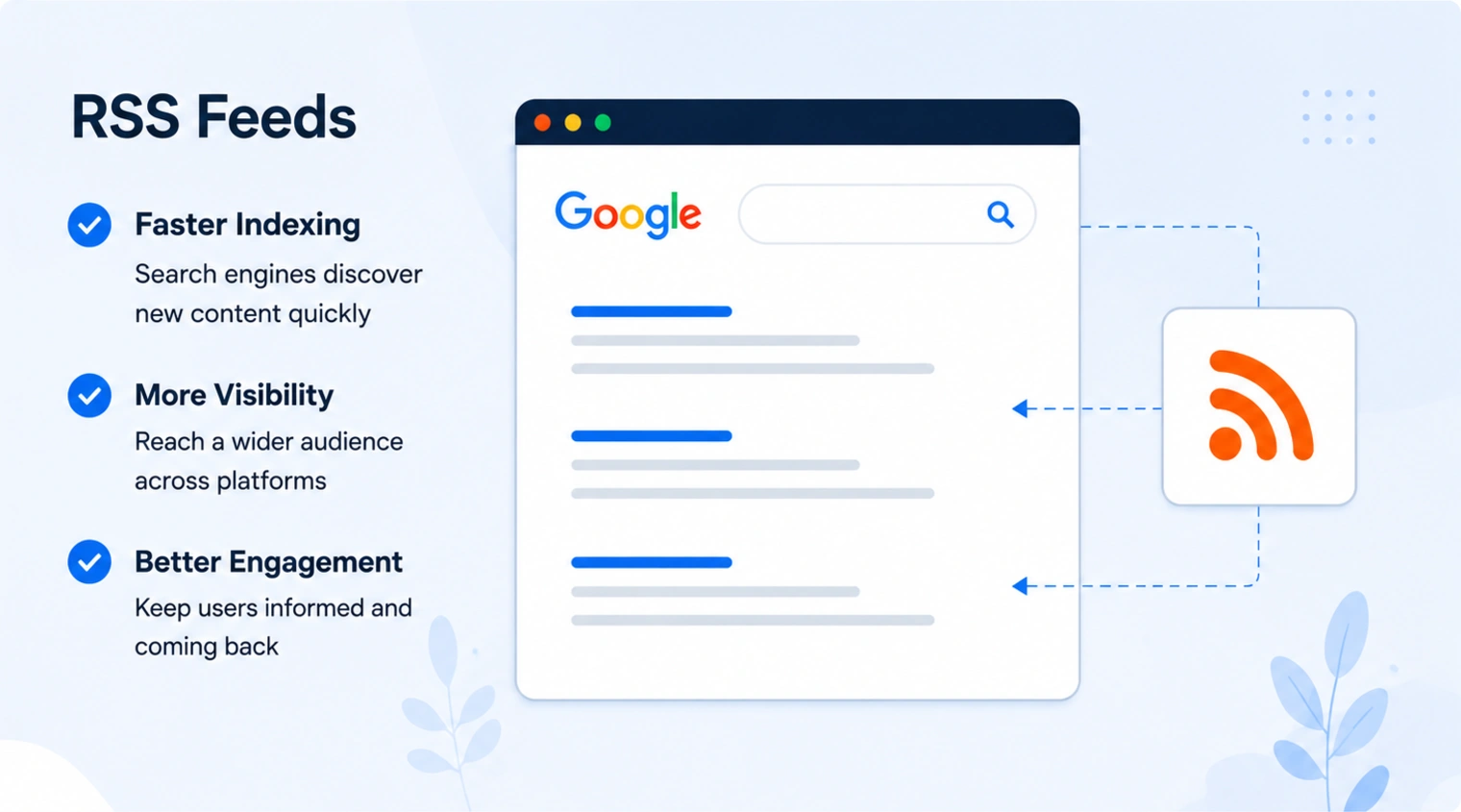
How to use an RSS feed in your workflow
### Find and check your RSS feed Most content management systems, including WordPress, generate an RSS feed by default. You can usually find it by adding `/feed` or `/rss.xml` to your site's domain name. Check that it is active and updates when you publish new content.
### Optimise your feed's content Configure your feed to include either the full text of your articles or a detailed summary with at least two to three paragraphs. Include images and make sure all links back to your site are correct. This makes the feed more useful for both readers and automated services.
### Connect your feed to other services Instead of submitting to now-defunct RSS directories, use your feed as a data source. Connect it to your social media scheduling tools to create draft posts. Use it to power a 'new from the blog' section in your email template. The value is in workflow integration.
### Monitor its performance Use analytics to track traffic from sources that use your RSS feed. If you have set up automation to post on Twitter, for example, tag the URLs so you can see how much traffic that channel generates. This helps you understand which distribution channels are effective.
An RSS feed is no longer a primary SEO tool. It is a simple utility for content automation and serving a niche audience.

Conclusion: where to focus instead
While an RSS feed still has a function, it is not a tool for improving search rankings. The one-time setup is minimal, but your time and resources deliver far greater returns when focused elsewhere.
A successful SEO strategy today depends on technical fundamentals like site speed, mobile usability and a clean site structure defined in an XML sitemap. It requires creating genuinely useful content that earns links and engagement on its own merit. Distribution efforts are better spent on targeted outreach and building a community on platforms where your audience is active, not on passive syndication.