










A developer's retrospective on Android 14's features
Writer :By: Admin
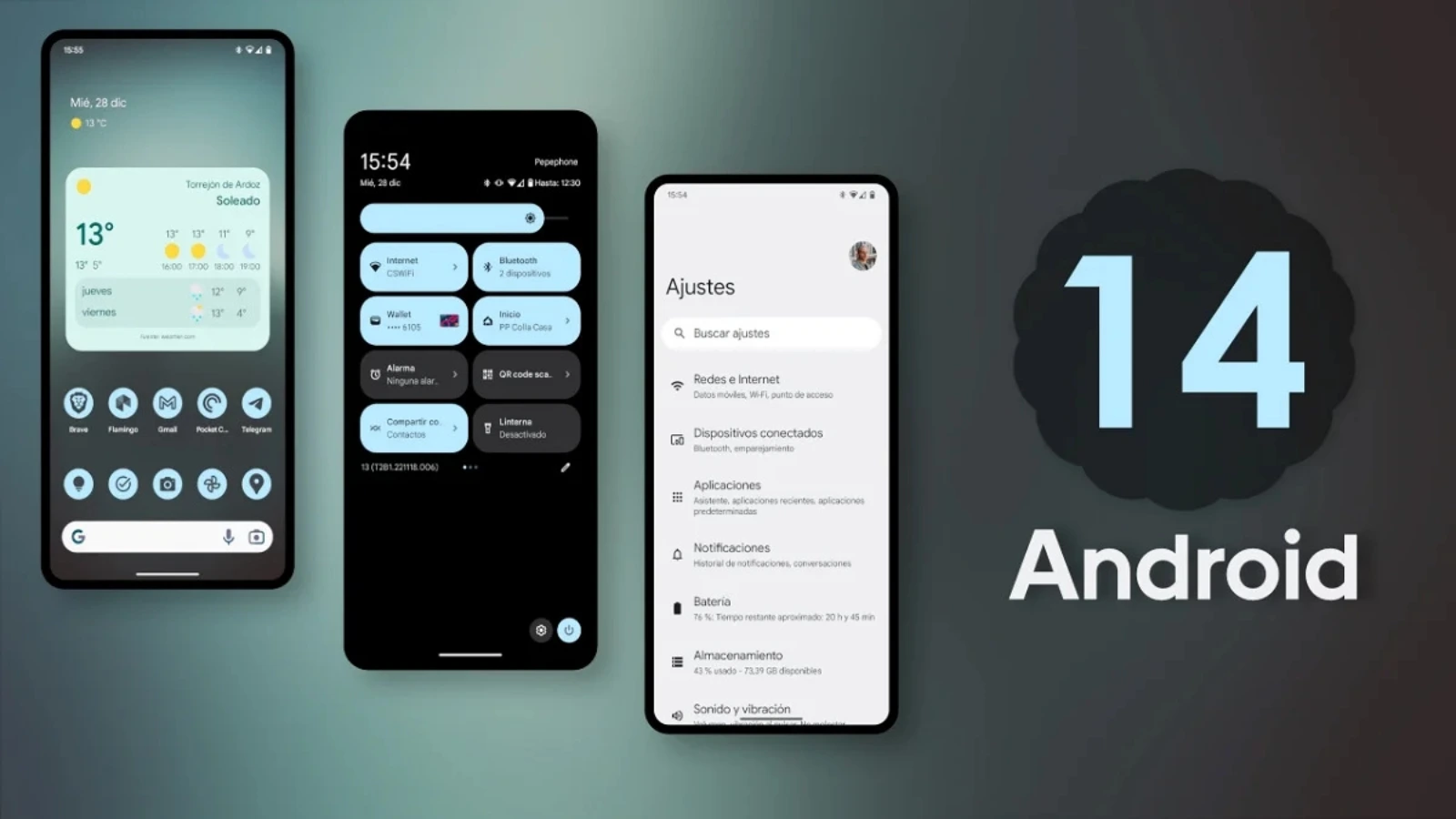
When Android 14 was released, we analysed its new features for developers. Now, with the benefit of time, we can look back at which changes had a lasting impact, which were evolutionary and what the trade-offs have meant for the apps we build.
This is a retrospective on the technical implications of Android 14. It is not a guide to user-facing features, but an assessment of how the platform shifted and what it means for the development of custom Android applications today.
Granular permissions and the photo picker
Android 14 continued the platform's focus on privacy with more granular media permissions. Before this, an app needed broad `READ_EXTERNAL_STORAGE` access. Android 13 introduced specific permissions for images, video and audio. Android 14 added `READ_MEDIA_VISUAL_USER_SELECTED`, allowing a user to grant an app access to only specific photos and videos.
For developers, this introduced the Photo Picker API. Instead of building a custom gallery view and managing permissions yourself, you can invoke the system's unified, secure picker. The trade-off is a loss of control over the picker's UI in exchange for simplified permission handling and increased user trust. For apps targeting SDK 34 and above, supporting these new permission models is not optional. We implement these flows for clients to ensure their apps are compliant and handle user data correctly.
Stricter rules for background work
Android has progressively restricted what apps can do in the background to improve battery life. Android 14 made foreground service declarations mandatory. You must now specify a `foregroundServiceType` in your manifest for use cases like 'location', 'camera' or 'dataSync'. The system may deny a foreground service start request if the type is missing or invalid.
It also changed how apps receive system broadcasts, with some exceptions for apps in a foreground state. The trade-off is clear: the system gains more control over battery consumption at the cost of developer flexibility. You can no longer assume a broadcast receiver will launch your app from a cached state. This requires a different approach to background processing, which our teams in Ahmedabad and Ontario account for in app architecture.
The predictive back gesture
Android 14 enabled predictive back gestures, allowing users to peek at the previous screen before completing the gesture. This required developers to opt-in by setting a flag in the `AndroidManifest.xml` and using `OnBackPressedCallback` instead of older methods.
Adoption has been slow. The trade-off for developers is the work required to support the new animations and ensure a consistent experience, which can be complex in apps with non-standard navigation patterns. While it improves the user experience when implemented correctly, it has not become a mandatory refactoring for most applications.
Satellite connectivity
The introduction of system support for satellite connectivity was a major headline. It provided APIs for apps to detect when a device has satellite coverage and to use it for messaging. This was aimed at emergency services and communication in remote areas.
The trade-off is its dependency on specific hardware and a satellite service subscription. For the vast majority of apps and users, this feature has had no practical impact. For niche applications, such as those for remote agriculture or logistics like the agri-commerce platform we built for Univia, it presents a potential future capability. However, it has not become a mainstream consideration for app development.
Other notable changes
Per-app language preferences
Android 14 allowed apps to set their language dynamically using `LocaleManager.setApplicationLocales()`. This gives bilingual users more control and offers developers a standard API for a feature many used to build manually.
Non-linear font scaling
To improve readability for users who need large fonts, Android 14 introduced non-linear font scaling up to 200%. This prevents large text elements from breaking layouts, but you must test your UI with this maximum setting to avoid unexpected visual issues.
Health Connect
While launched before Android 14, it was integrated as a core part of the system. Health Connect provides a standard API for reading and writing user health data, removing the need to integrate with multiple fitness device SDKs. For developers, this means managing another permission but gaining access to a unified data source.
Conclusion: foundations for today's apps
Looking back, Android 14 was not a revolutionary update, but it solidified critical trends. The focus on granular permissions, restrictions on background execution and standardised APIs for common features are now foundational principles of modern Android development.
These changes increased the complexity of building and maintaining an app that performs well and respects the user. As an Android development company, our job is to manage this complexity. We build applications for clients like Angel EduNext and My Member that navigate these platform requirements, ensuring they remain functional, compliant and secure as the Android operating system continues to evolve.